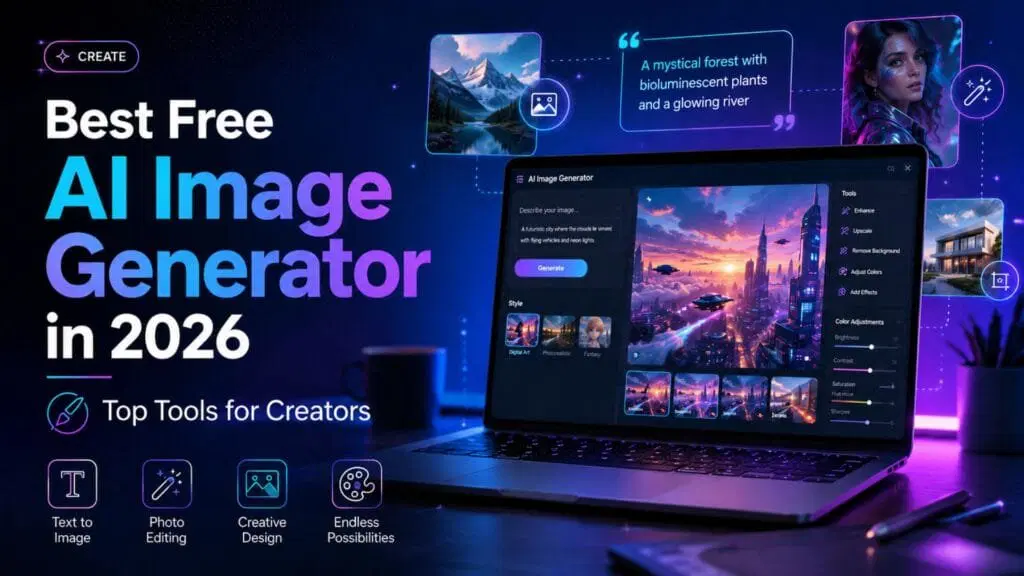
Creating stunning visuals no longer requires an expensive software subscription or years of design experience. You can simply type a few words and watch a machine synthesize your ideas into beautiful art. Whether you need a specific graphic for a blog post or just want to explore your artistic side, the right software makes all the difference.
Finding the perfect platform can feel overwhelming with so many options available. This guide explores the best free AI image generation tools you can use right now. You will learn how these platforms work, discover top-rated options, and get practical tips for writing better text prompts.
Why Choose Free AI Image Generation Tools?
Visual content grabs attention faster than a wall of text. But hiring a professional illustrator or buying premium stock photos quickly drains your budget. Free AI image generation tools solve this problem by democratizing the design process. Anyone with an internet connection can now produce high-quality graphics in seconds.
These platforms help you test concepts quickly without any financial risk. You can generate dozens of variations for a single idea until you find the exact style you want. This unprecedented level of flexibility allows marketers, writers, and hobbyists to create custom graphics that perfectly match their message.
Using free generators also helps you learn the skill of prompt engineering. By practicing on free platforms, you figure out exactly which words trigger the best visual results. This hands-on experience proves invaluable as artificial intelligence becomes more integrated into our daily workflows.
Top Free AI Image Generation Tools to Explore
Many impressive platforms offer generous free tiers for new and returning users. Here is a breakdown of the most reliable options available today.
Canva Text to Image
Canva remains a titan in the graphic design space. Their built-in AI photo generator makes it incredibly easy to produce art and seamlessly drop it right into your existing projects. You simply describe your vision, choose a preferred style like watercolor or 3D render, and generate the image.
The biggest advantage of Canva is the surrounding ecosystem. Once you generate your picture, you can immediately add text, apply filters, or resize it for different social media platforms. It offers a smooth, beginner-friendly experience that removes the technical friction often associated with AI art.
DeepAI
If you prefer a straightforward, no-nonsense interface, DeepAI deserves your attention. This web-based platform gives you the power to visualize your imagination almost instantly. You do not need to navigate complex dashboards or adjust confusing parameters to get started.
DeepAI processes prompts rapidly and delivers a kaleidoscope of artistic styles. While the free version contains ads, the unlimited generation capability makes it a fantastic sandbox for testing wild ideas. It serves as an excellent starting point for users who just want to practice writing prompts without worrying about daily credit limits.
Freepik AI Image Generator
Freepik built a massive reputation by providing high-quality vector graphics and stock photos. Their recent entry into the AI space brings a highly generous daily allowance for free users. You can generate up to 40 free AI images every single day, making it a favorite among heavy users.
The image quality here often rivals paid competitors. Freepik allows you to toggle different artistic ratios and aesthetics to refine your output. If you need a steady stream of mesmerizing visuals for daily social media posts, this platform easily covers your needs without requiring a credit card.
Leonardo.ai
Leonardo.ai caters to creators who want more control over their final output. While it looks slightly more complex than Canva, it offers incredible tools to refine and scale your creations. You receive a daily allocation of free tokens that reset every 24 hours.
This platform excels at generating detailed character portraits, concept art, and intricate environmental designs. Leonardo also lets you train custom models or use community-tuned settings. This means your generated artwork will look highly bespoke rather than generic.
DALL-E Free Platforms
Various web apps utilize the underlying DALL-E API to offer free generation services. These platforms channel simple text descriptions into advanced programming logic. You just type a prompt, and the system translates your words into accurate, creative visuals.
These accessible interfaces strip away the complexity of managing API keys. They focus purely on the magic of text-to-image conversion. While features might be limited compared to premium tiers, the resulting images still showcase the impressive capability of modern neural networks.
How to Get the Best Results
Typing “a dog” will get you an image, but typing “a golden retriever wearing aviator sunglasses, cyberpunk city background, neon lighting, highly detailed” gets you a masterpiece. The secret to using free AI image generation tools effectively lies in your vocabulary.
Always start with the main subject of your image. Then, add descriptive adjectives, specify the background environment, and mention the artistic style. Words like “cinematic lighting,” “oil painting,” or “photorealistic” dramatically shift the final output. The more specific you get, the less guesswork the machine has to do.
Top Google Searches Related to Free AI Image Generation Tools
Understanding what other creators look for can help you discover new ways to use this technology. Here are the top related queries people search for online:
- Best free AI image generators without watermarks
- Free AI tools for creating commercial use images
- Text to image AI generators unlimited free
- Open-source AI image creators
- AI picture generators for anime style
- Best AI tools for generating YouTube thumbnails
- How to use AI image generators safely
Conclusion
The barriers to creative expression have never been lower. By leveraging these free AI image generation tools, you can instantly transform a blank screen into a canvas of possibilities. Start with user-friendly platforms like Canva or DeepAI to learn the basics, then graduate to tools like Leonardo.ai for more precise control.
Your next step is simple. Pick one of the tools mentioned above, think of a creative concept, and start generating. With daily limits resetting frequently, you have nothing to lose and a whole world of captivating art to gain.
Frequently Asked Questions (FAQ)
Are free AI image generation tools really free?
Yes, many platforms offer genuinely free access, though they usually operate on a “freemium” model. This means you might receive a set number of free credits per day or week. Once you exhaust those credits, you must wait for them to reset or pay to upgrade. Platforms like DeepAI offer unlimited basic generations, while others cap you at a specific daily number to manage server costs.
Can I use AI-generated images for commercial purposes?
The rules vary wildly depending on the specific tool you use. Some platforms grant full commercial rights to images generated on their free tiers, allowing you to use them in ads, blogs, or products. However, others restrict free users to personal use only. Always read the terms of service for the specific platform you select to ensure you stay legally compliant.
Do I need a powerful computer to use these tools?
No, you do not need specialized hardware. Most free AI image generation tools run entirely in your web browser. The heavy lifting happens on the company’s cloud servers, not on your device. As long as you have a stable internet connection and a standard web browser, you can generate art from a budget laptop, a tablet, or even your smartphone.
Why do AI generators mess up hands and text?
Artificial intelligence models learn by analyzing millions of existing images, recognizing patterns rather than understanding human anatomy or language rules. Hands represent a complex geometric challenge with folding fingers and overlapping shadows, confusing the algorithm’s pattern recognition. Similarly, AI views text as a series of visual shapes rather than actual readable letters, which often results in incomprehensible gibberish on signs or clothing.
Can AI image tools copy an existing artist’s exact style?
While you can prompt these tools to generate images “in the style of” famous classical artists, directly copying a living artist’s unique style raises major ethical concerns. Many modern platforms now implement safety filters to prevent users from cloning the exact aesthetic of specific contemporary illustrators. The best practice is to use broad style descriptors rather than targeting individual creators.

Leave a Reply